What you will achieve
Generate a test alarm, view and acknowledge it, observe recovery, and trace it to its channel.
Before you begin
- A test channel with controllable input and a known normal range.
- Server event generation and an event viewer enabled, with viewer and acknowledgement accounts.
01 · Define the alarm meaning
- Record the trigger, recovery condition, and severity for the practice threshold.
- Configure limits and event-generation options in the channel properties. Use an enabled policy module for delays or compound conditions.
Expected result
Trigger/recovery rules and event provenance are clear.
02 · Apply configuration and trigger a test
- Save and deploy channel configuration and confirm Server has loaded it.
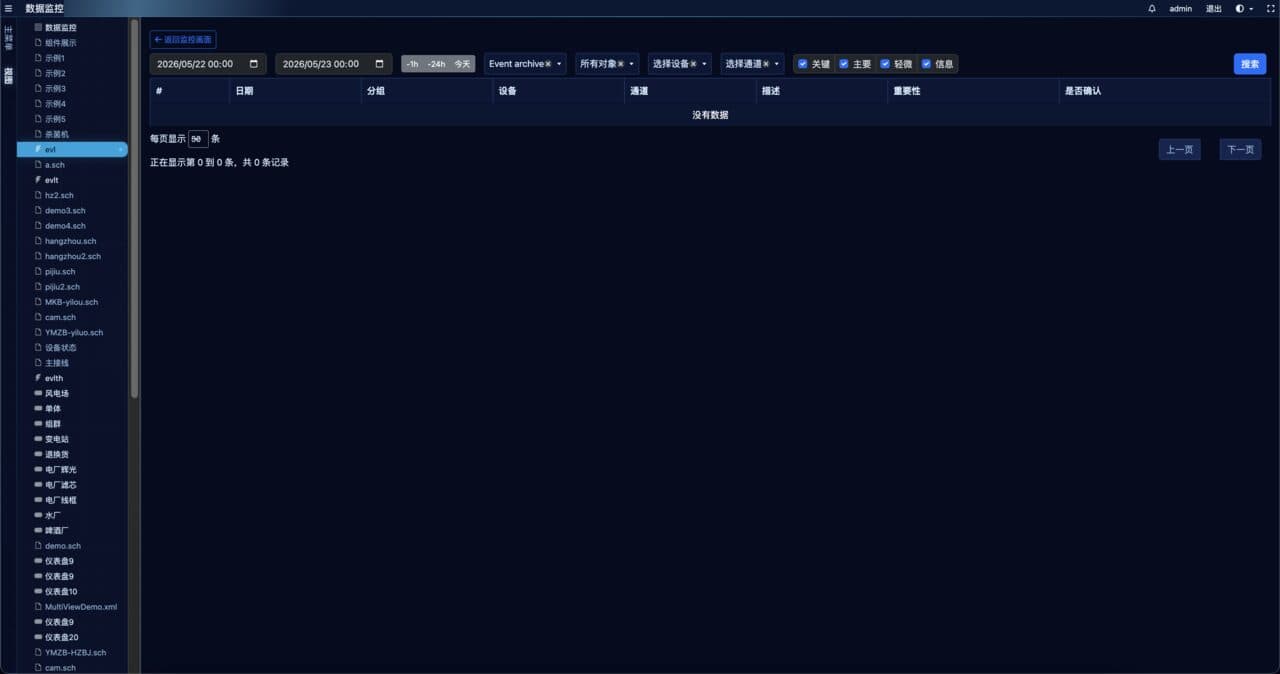
- Move the test input beyond the limit, record the time, and filter the event log by time and channel.
Expected result
A new event matches the test time, channel, and state.
03 · Acknowledge and recover
- Acknowledge the event using an authorized account and check the recorded operator and time.
- Restore the test value and inspect recovery events/current state according to the site configuration. Acknowledgement does not restore the device.
- Navigate to the associated screen or table to check the current value.
Expected result
Triggering, acknowledgement, and physical recovery are distinct and traceable.
04 · Add notification delivery last
- Check the installed notification module, provider configuration, and recipient rules.
- Run one test with a designated test recipient and verify module logs/provider receipts before enabling duty rules.
Expected result
Delivery can be traced to its source event and inspected in logs.
Troubleshooting
A limit violation produces no event
Check current quality, limit/event options, loaded Server configuration, and the event viewer’s time range.
Events exist but notifications do not arrive
Trace event → recipient rule → module log → provider receipt before sending another test.